Updated for 2026. I went back through this guide, swapped in this year's real Facebook ad costs and cut the ad formats that no longer exist. The advice still works. The numbers are just better now.
Looking to expand your business through Facebook ads? You’ve come to the right place. This article is here to help you out!
As a business owner, you already know how important lead generation from Facebook can be for your business’s growth.
Most people think that to run a successful Facebook ads campaign, you would require a high budget. But here’s the good news – you don’t always need a big budget to run successful Facebook ad campaigns. You can still reach out to a wider audience and generate valuable leads for your business, even with a low budget.
You must be wondering how that’s possible. With the right Facebook ad tips, you can easily get leads and take your business to new heights.
In this blog, we’ll be sharing some of the best ways to run an ad campaign on Facebook on a low budget. But before we dive in, let’s first discuss the basics of Facebook ads and the different types available to help beginners understand the in-depth algorithm of Facebook ads.
So, let’s get started!
What Are FB Ads?
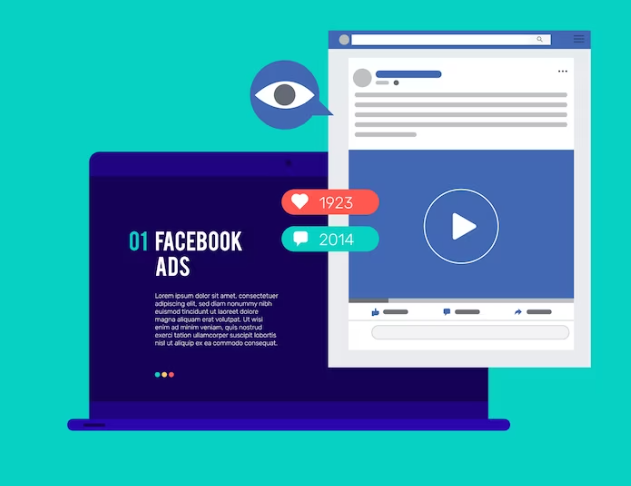
Facebook Ads is an advertising platform created by the social media giant, Facebook that allows businesses to create and display ads to Facebook’s large user base.
It allows businesses to target specific demographics, interests, and behaviors to reach their desired audience. The ads can be created in various formats, such as image ads, video ads, carousel ads, and more. Businesses can also create ads aiming at specific stages of the sales funnel like awareness, consideration, and conversion stages to achieve their goals.
One of the significant advantages of Facebook Ads is the ability to measure the performance of ads through detailed analytics, including impressions, clicks, and conversions.
Businesses can set their budget, and Facebook Ads will optimize the delivery of ads to reach the target audience and maximize the return on investment.
Now you must be wondering why to spend money and go for advertisements on Facebook
Have you ever seen an ad on your TV and wanted to buy that product immediately?
That’s the power of advertisements! Now, imagine the number of active users Facebook has. Based on that count, you can guess your potential audience count on Facebook too. But you don’t know their names and other details. How to reach them out? This is where Facebook ads comes in.
FB Ads is a powerful advertising platform that enables businesses to reach a massive audience, measure their results, and achieve their marketing objectives in a cost-effective way.
Types Of FB Ads
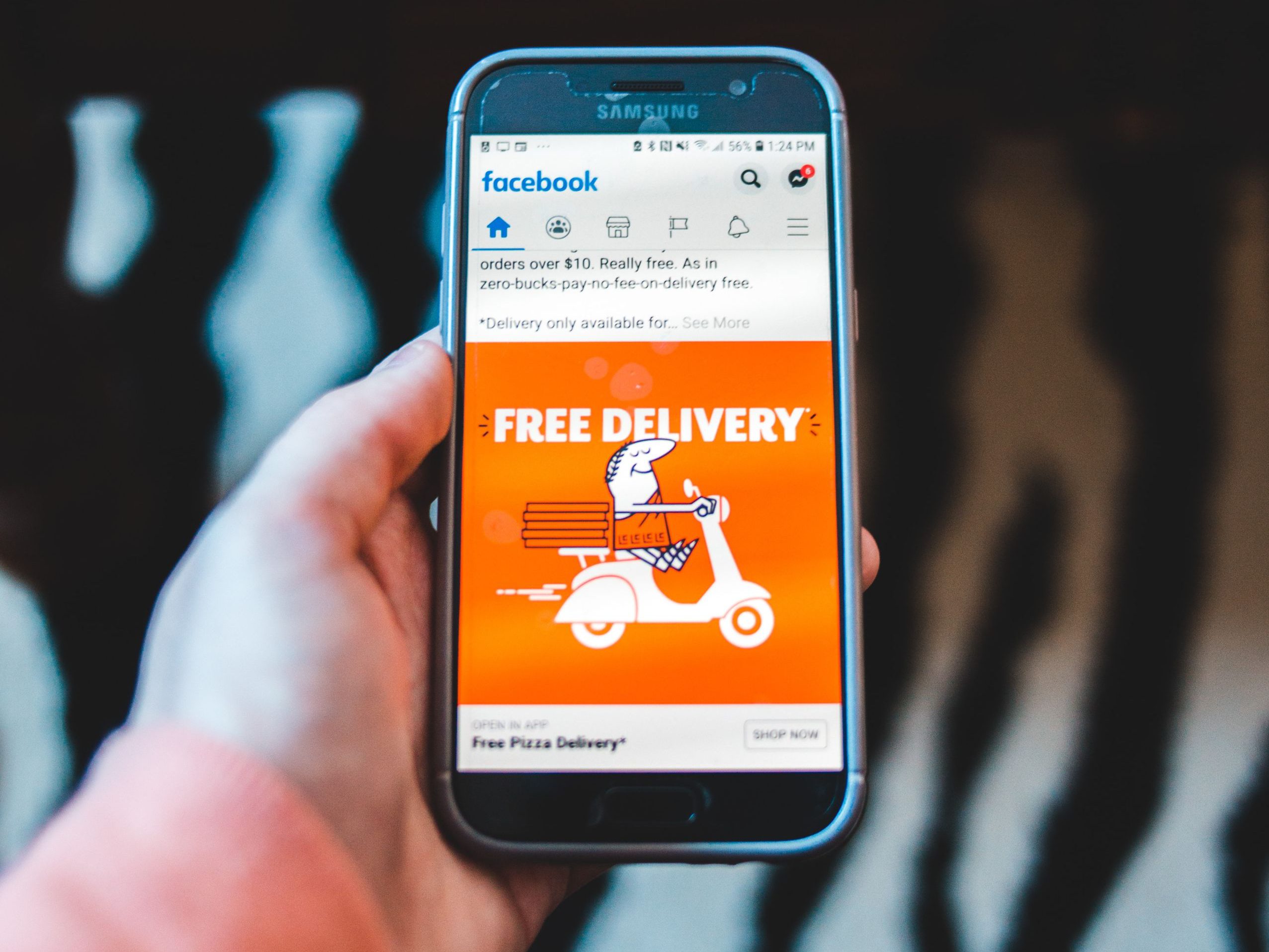
After learning what are FB ads, it’s important to know its types as well. There are various types of Facebook Ads that businesses can use to promote their products or services.
Have a look at the types of different FB ads and decide which one works the best for you:
A. Image Ads
These are static ads that include a single image with a brief text description. They are the most common type of Facebook Ads.
B. Video Ads
These are ads that include a video instead of a static image. They can be up to 240 minutes long, but shorter videos tend to perform better.
C. Carousel Ads
These are ads that include up to ten images or videos that users can scroll through. They are great for showcasing multiple products or highlighting different features of a product.
D. Collection Ads
These are ads that feature a primary image or video with four smaller images below it. When users click on the ad, it takes them to an instant experience that displays more information about the product or service.
E. Instant Experience Ads
These are full-screen ads that provide an immersive experience with various interactive elements, such as videos, images, and product catalogs.
F. Messenger Ads
These are ads that appear on Facebook Messenger. They can be either static images or videos, and they can include a call-to-action button that takes users to a landing page or a chatbot.
What Is The Cost Of Running An Ad On Facebook?
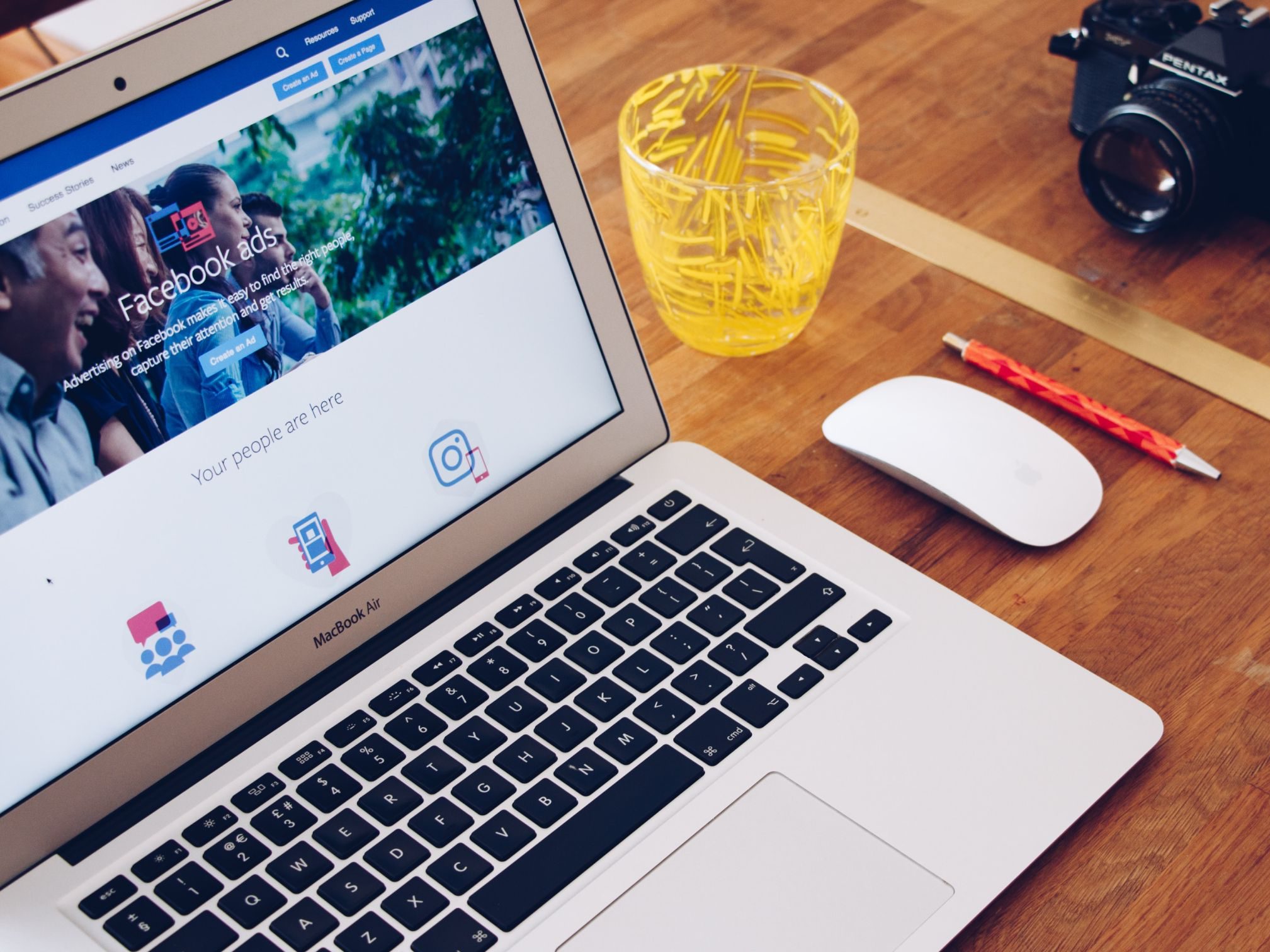
Good news first. Facebook is still one of the cheapest places to buy attention online.
According to WordStream's 2026 Facebook ads benchmarks, the median cost per click for a traffic campaign is just $0.60. Lead ads cost more per click, around $1.80, because you're paying for people who are ready to hand over their details.
And what does a lead actually cost you? About $27.39 on average.
The typical traffic ad gets clicked by 1.93% of the people who see it. So a sharp creative really does pay for itself.
How does that compare? A Google Search click now averages $5.42, and the new ChatGPT ads run about $2.42 a click. Facebook clicks are still far cheaper than both.
Facebook bills you on one of two metrics. Cost per click (CPC) means you pay when someone clicks. Cost per mille (CPM) means you pay for every 1,000 impressions, which suits brand awareness campaigns.
With more than 3 billion people using Facebook every month, even a small daily budget can reach a lot of the right people.
Wondering about ChatGPT ads instead? Here's what they really cost.
How To Post An Ad On Facebook?
Now, you’re well aware of all the details of Facebook ads. Let’s get into the steps to create a Facebook ad now.
Here’s a step-by-step guide to posting an ad on Facebook:
Step 1: Open Facebook Ads Manager

Go to the Facebook Ads Manager page by clicking on the top left Facebook logo and choose Ads Manager from the list. If you don’t see Ads Manager option in the list, click on See more button and you’ll get Ads Manager option.
Step 2: Select an objective for your Ad
Click on the ‘Create’ button and then choose an objective that aligns with your ad goals. Facebook has many options to choose from, such as brand awareness, lead generation, and conversions.
Step 3: Define your target audience
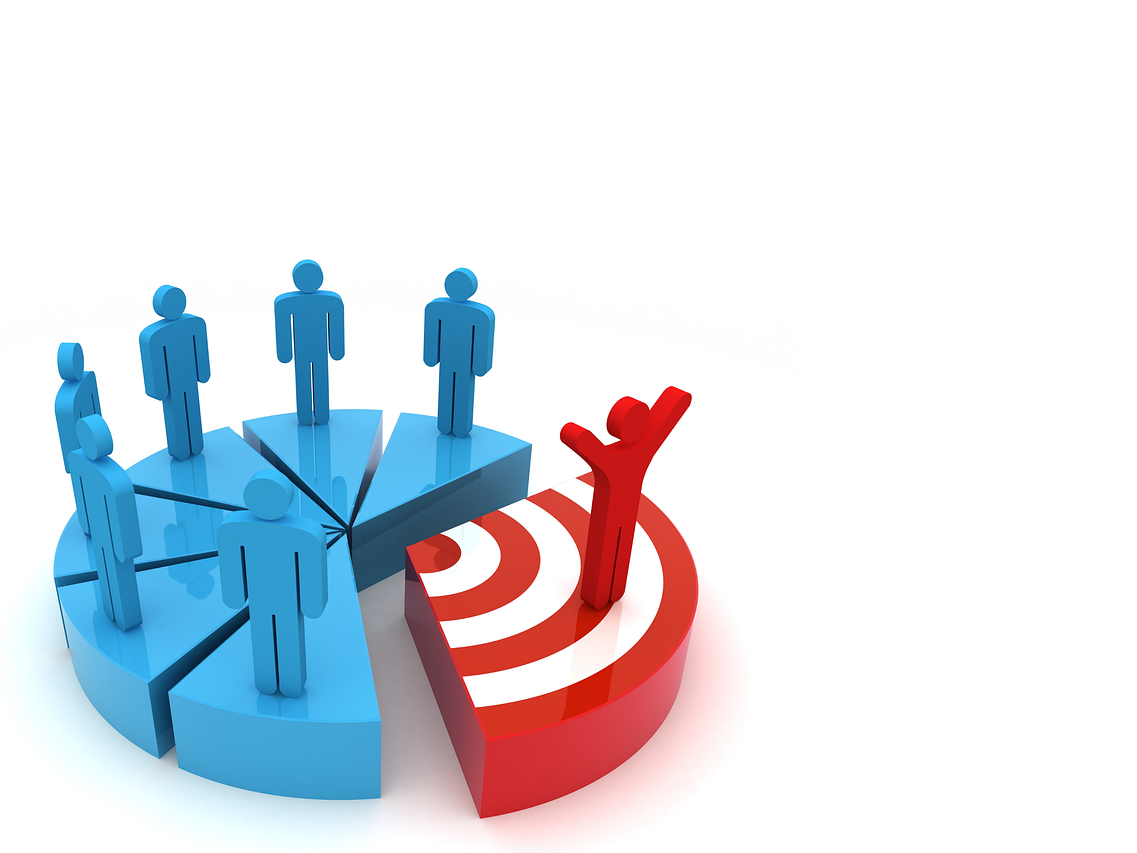
Define your target audience by selecting their demographics, interests, behaviors, and other characteristics. This will help make sure that your ad is seen only by the right people.
Step 4: Choose your Ad placement
Select the platforms where you want your ad to be displayed. You can choose to display your ad on Facebook, Instagram, Messenger, or Audience Network.
Step 5: Set your budget

Set your budget for the ad campaign and determine the duration of the campaign. You can choose to run your ad continuously or set specific start and end dates.
Step 6: Choose the format of your Ad
There are different types of ads available. You can choose any one type which suits your campaign. Create your ad by adding images or videos, writing ad copy, and selecting a call-to-action button. Make sure your ad is visually appealing and compelling enough to catch the attention of your target audience.
Step 7: Submit your Ad for approval
Review your ad to ensure it’s free of errors and meets Facebook’s ad policies. Once you’re satisfied with your ad, click “Submit” to send it for review.
Step 8: Wait for approval
Facebook will review your ad to ensure it meets its policies. This process typically takes 24 hours but can take longer in some cases.
Step 9: Monitor and optimize your Ad
After your ad is approved and launched, you can monitor its performance in the Ads Manager dashboard. You can optimize your ad by adjusting your budget, targeting, or ad creative to improve its performance.
Tips To Scale Your FB Ad
Unable to scale your Facebook ads? It’s time to learn some tricks that can make your Facebook ads campaign successful. Go through the below tips to scale your Facebook ads and expand your business.
1. Increase your budget gradually
To scale your Facebook ads, you need to increase your budget gradually, if you want you can increase it slowly as well. You can start with a small amount and monitor the performance of your ads closely. If the performance is good, continue to increase your budget over time.
2. Target lookalike audiences
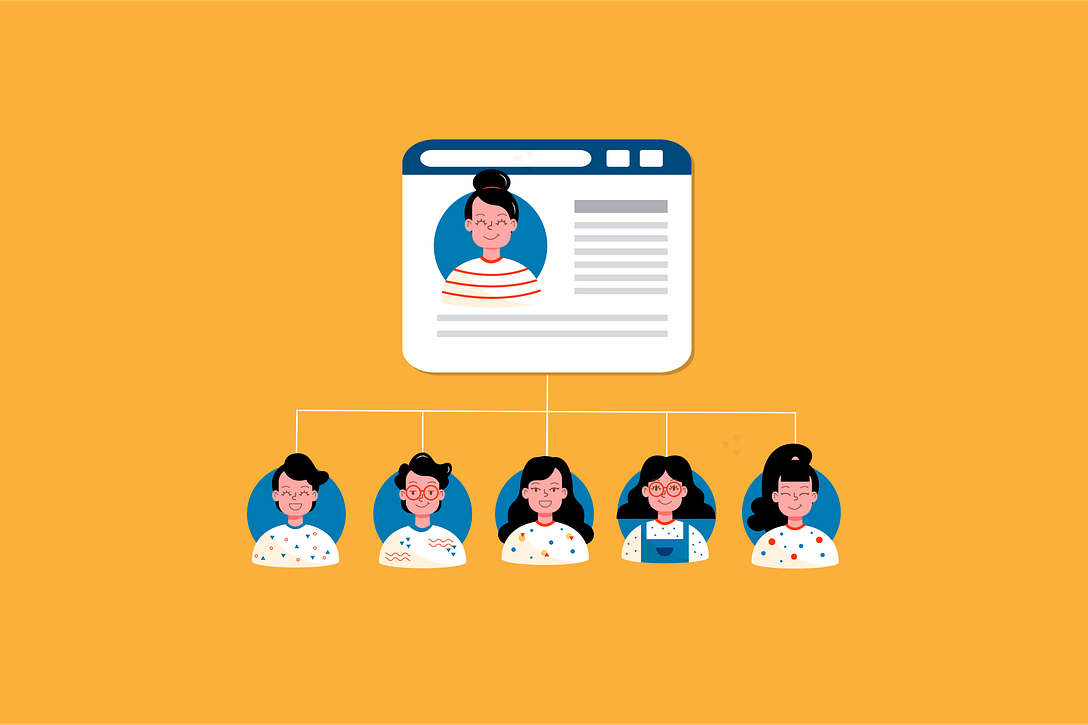
Creating a lookalike audience is a powerful way to scale your Facebook ads. They are created based on the characteristics of your existing customers and can help you find new potential customers who are likely to be interested in your product or service.
3. Test different kinds of Ad Creatives
To scale your Facebook ads, it’s important to test different kinds of ad creatives. You must not hesitate in trying different things. You can try different images, videos, and ad copies to see what works best for your audience. Once you find a winning combination, you can use it to scale your ads.
Also, you may opt for A/B testing. It’s a great way to understand what type of Facebook ads work best for your business.
4. Use retargeting to reach site visitors
Retargeting is a powerful tool for scaling your Facebook ads. All you have to do is target the people who have already visited your website or are engaged with your content on and outside Facebook. You can retarget them using FB ads and encourage them to make a purchase decision.
Want to go further than a plain "everyone who visited" audience? Adplify's Behavioral Retargeter lets you retarget visitors based on what they actually did on your site. Someone who read your pricing page gets a different ad than someone who bounced from the homepage.
That's a much cheaper click than chasing cold traffic.
5. Opt for a tool that can increase your ROI
ROI is calculated by dividing the profit earned on an investment by the cost of that investment. If you want to boost your ROI, you can use tools like AdPlify.
Adplify is a set of tools that sits next to your Ads Manager. It doesn't create or run your ads. It helps you aim and plan them better.
Its ROI Calculator projects the return on a campaign before you spend, so you know what budget can actually turn a profit.
Its Hidden Audience Finder digs up interest audiences that Ads Manager doesn't show you. Less competition often means cheaper clicks.
And the Behavioral Retargeter from tip 4 brings back the visitors most likely to buy.
All of it costs $6.99 a month or $67 a year. That's less than a dozen Facebook clicks.
Conclusion
That is all we have for you today! Hope this blog was helpful. You can use all of these tips to scale your Facebook ads. We wish lots and lots of success for your business.
Let us know if you want to know anything else about Facebook marketing! We promise to respond as fast as we can.
Thanks for reading!